Receipt Vouchers
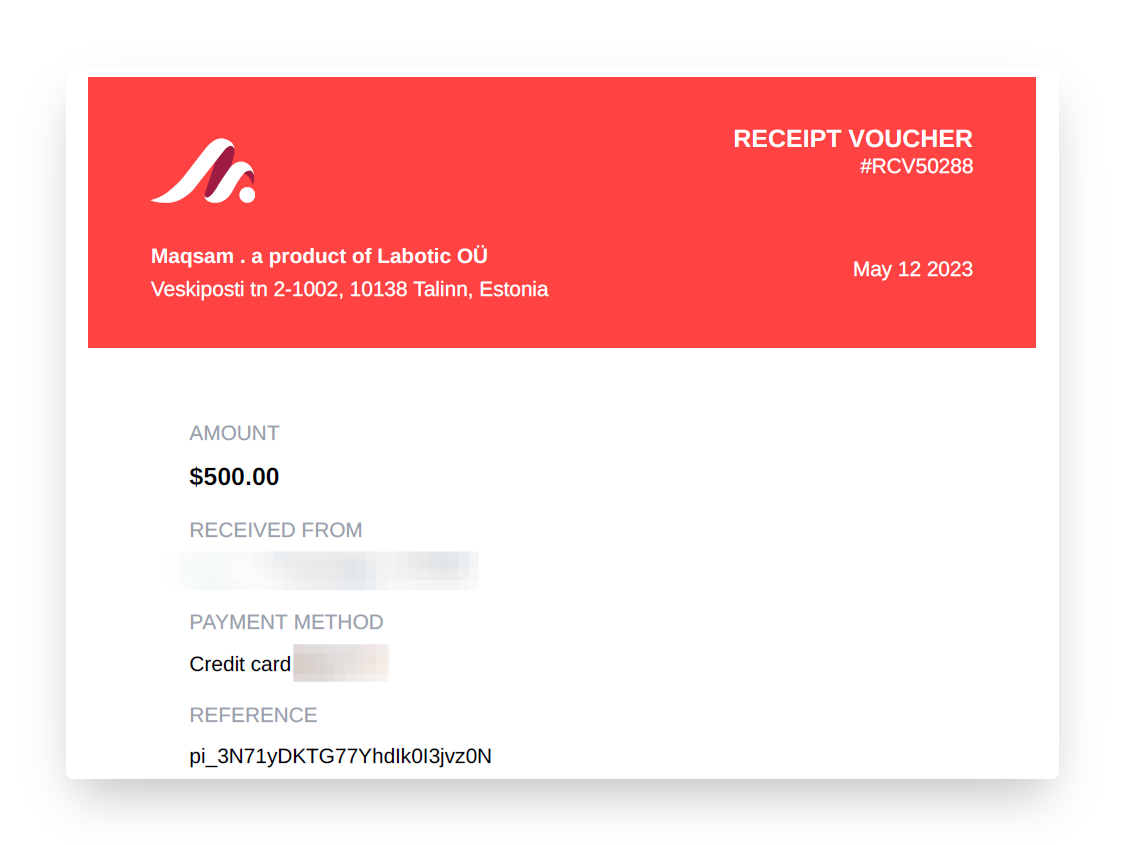
A Receipt Voucher is proof that the payment that has been done from the client side has been received by Maqsam, it is automatically sent via email after payment has been made or it can be manually generated from account settings.
 How To Generate A Receipt
In order to generate a receipt, an Admin user account should follow the following steps:
Step 1: Log in to your Maqsam Portal Account using your Username and Password.
Step 2: Click on the Settings button.
Step 3: Under Account Settings from the list on the left. Click on Billing.
Step 4: Select Invoices & Payments.
Step 5: Click on the Payment tab.
Step 6: Filter the desired period of time by selecting the Date From and the Date To, then click Filter.
Step 7: Click on the Download Button by the end of the row to download the selected Receipt Voucher.

Learn more about Receipt Voucher in the FAQs section.